
How to make a 2 player game
A 2 player game needs one early decision: do both players share a screen, split it, or play on their own devices? That choice decides your controls, your camera and how hard the build is.
The three 2 player setups
- Same screen. Both players see one view. Easiest to build. Great for duels in a small arena and co-op puzzles. In Scratch, two players usually share a keyboard: WASD for one, arrow keys for the other.
- Split screen. Each player gets half the screen and their own camera. Needed when players go to different places. Harder on a small screen.
- Online duel. Each player on their own device. Best for phones, but you need networking or a platform that handles it, like Roblox or Roam.
Control tips
On a shared keyboard, keep each player to four or five keys and keep their hands apart. Avoid keys that clash, like both players needing the space bar.
On phones, give each player their own device. Two people on one phone works only for simple one-tap games where each player has a side of the screen.
Make it obvious who is who: two strong colors, and spawn points on opposite sides.
2 player ideas that work
- First to 11. 1v1 basketball or soccer on one small court. Short, loud and easy to rematch.
- Best of five arena. Two fighters, one arena, the loser of each round picks the next map.
- Carry it together. Co-op: both players must hold one object, like a pane of glass or a rope, and get it across a busy street.
- Split haunt. Two kids in a haunted house, each can only open certain doors, so they have to help each other.
- Rock, paper, punch. A mind-game duel where you pick a move, then the fastest reaction wins the tie.
Build it in Roam and send it to one friend
In Roam, a free iPhone app, describe the duel or co-op game in one sentence and play it. Then send it to the one friend you want to beat. Change it between rounds by asking: "smaller court", "best of three", "add a power-up".
Play it on Roam
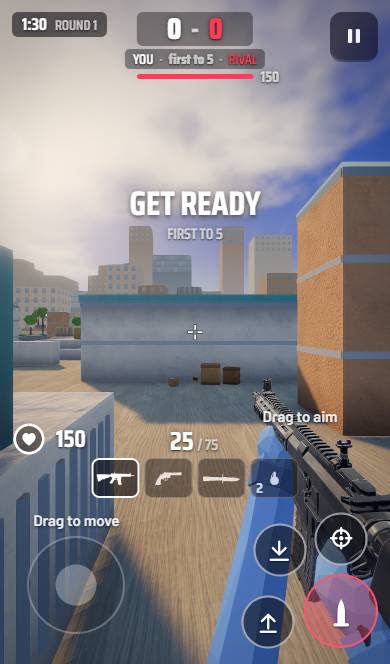 CLUTCHFive rounds to win. One life per round. Make the last one count.
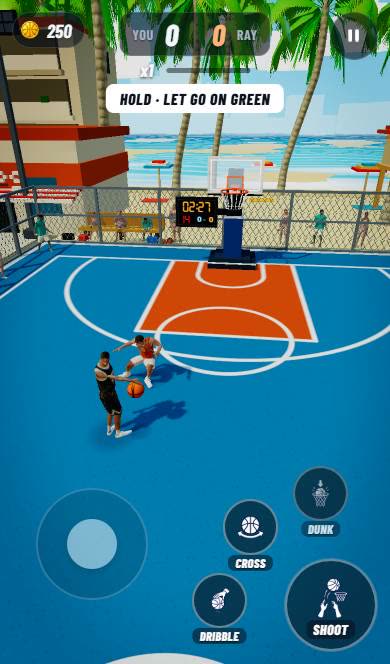 Beach HoopsYou against Ray. Beach court. First to 11.
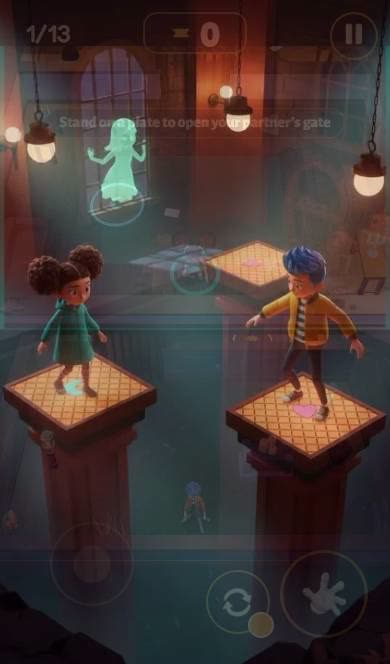 Split ScareTwo kids, one haunted theatre, gates that need both.
 Skyshard DuelSix fighters, one sky island, best of three.
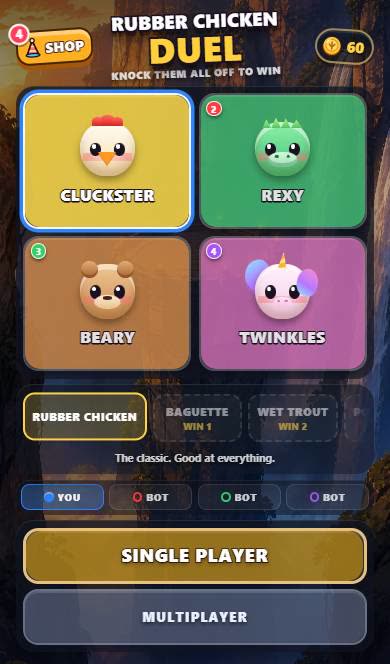 Rubber Chicken DuelKnock them all off to win.
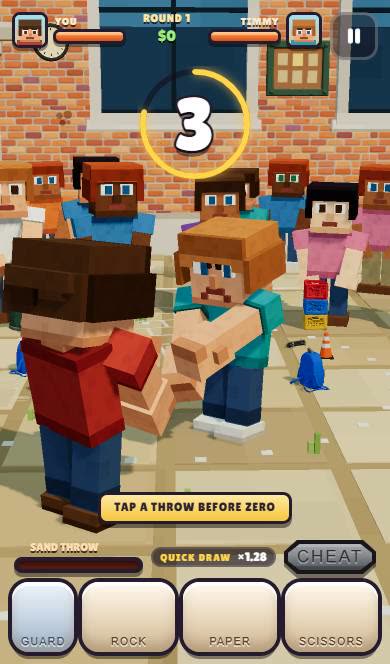 Recess RumbleRock. Paper. Scissors. Or a handful of sand.
Create your 2 player game with Roam
Describe the duel or the co-op challenge, then play it with one friend on iPhone.
Try: "1v1 on a rooftop at sunset, rubber chickens as weapons, best of five, knock them off to score"Questions people ask
How do you make a 2 player game on Scratch?
Make two sprites with separate controls, usually WASD for one player and arrow keys for the other, and a score variable for each.
How do you make a 2 player game on Roblox?
Build it in Roblox Studio on a computer. Roblox handles servers, so you script teams and a win condition and set the max players to 2.
What are good 2 player game ideas?
1v1 sports, best-of-five arena fights, co-op carry challenges and puzzle houses where each player opens different doors.
Keep exploring
- How to make a multiplayer game
- How to make a game with your friends
- How to make a fighting game people want to rematch
- How to make a sports game
- How to make a party game
- How to make a game on your phone
More on Roam: All Roam games Games to play, by kind