
How to make a multiplayer game, from netcode to lobby
A multiplayer game is a game plus networking: who runs the match, how every player sees the same world, and how friends find each other. Pick the engine and the networking tool before you write gameplay, because adding multiplayer to a finished game is far harder.
Checked . Roam is our app, and the Roam team wrote this page. See also: Roblox Studio alternative for mobile, GDevelop alternative, ChatGPT game prompts, How to make a game with ChatGPT.
Six steps to a working multiplayer game
- 1. Make the core fun on one screen. Prototype with two players on one machine first. If it is not fun there, netcode will not save it.
- 2. Pick the architecture. Client-server: one machine, a host player or a dedicated server, decides what is true. Peer-to-peer: players send inputs straight to each other, common in 1v1 fighters. A player-hosted server is the simplest start for a small game.
- 3. Pick a networking tool. Use what your engine supports well (see the list below). Do not write raw sockets for your first game.
- 4. Sync with the server in charge. Send only what changes: positions, health, events. Let the server decide hits and scores so players cannot fake them, and let each player predict their own movement so controls stay responsive.
- 5. Add a way to join. A join code, a friends list or matchmaking. Unity Relay, for example, connects players with a join code and no dedicated server.
- 6. Test with real lag. Two windows on one PC catch the easy bugs. Two phones on different networks catch the rest.
Networking tools by engine
- Unity Netcode for GameObjects. Unity's own package for most multiplayer projects. Pair it with Unity Relay and Lobby so players can find and join each other.
- Photon (PUN and Fusion). A hosted service many Unity games use. The free plan allows 20 concurrent players for development, and a launch needs a paid plan.
- Godot high-level multiplayer. Built into Godot, with ENet, WebSocket and WebRTC peers and @rpc functions. The server is always peer 1, and you host it yourself.
- GDevelop. Built-in multiplayer with lobbies of up to 8 players, and GDevelop runs the servers.
- Roblox Studio. Roblox runs the servers and matchmaking. You write server and client scripts in Luau, on Windows or Mac.
- Fortnite (UEFN). Islands built with Unreal Editor for Fortnite are played inside Fortnite, so Epic hosts the matches.
Skip the netcode: a multiplayer game on Roam
Roam handles the networking. Describe the mode in one sentence: team sizes, place, goal. Play the first build alone, then bring friends in and ask for changes between rounds, like "bigger map" or "add a respawn timer".
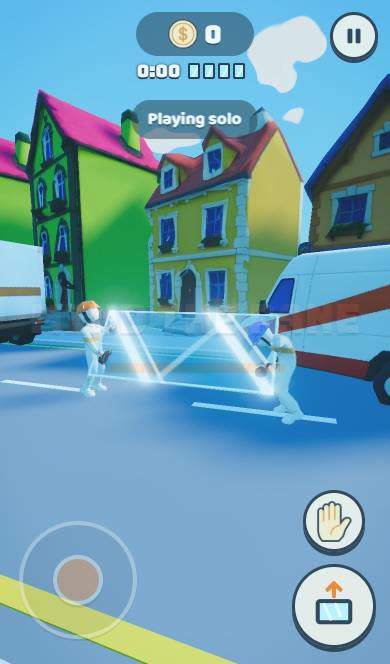
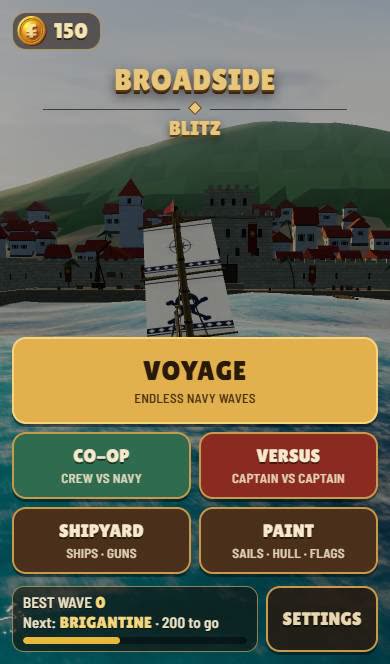
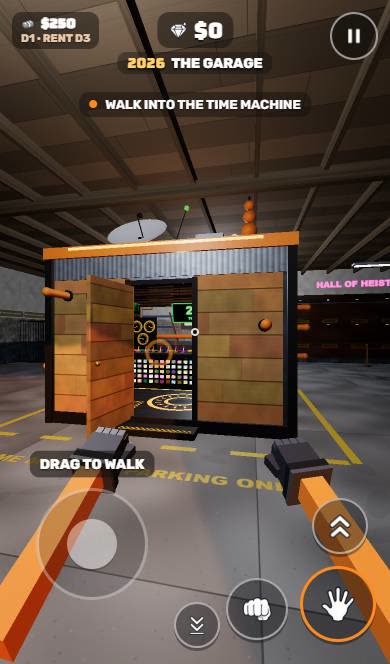
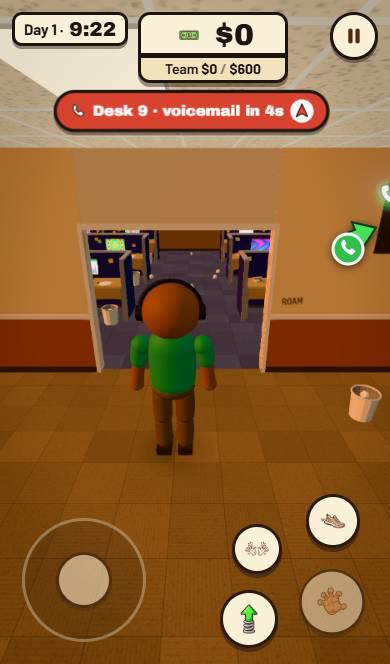
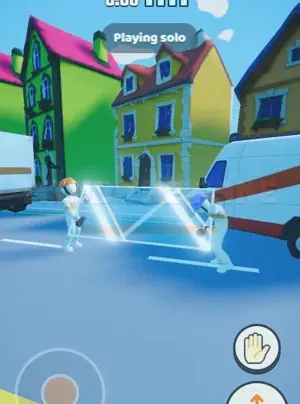
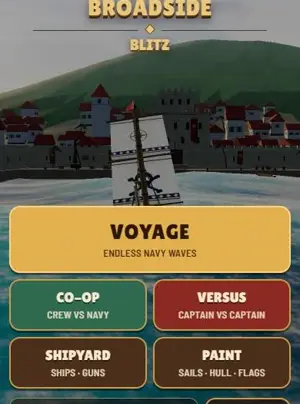
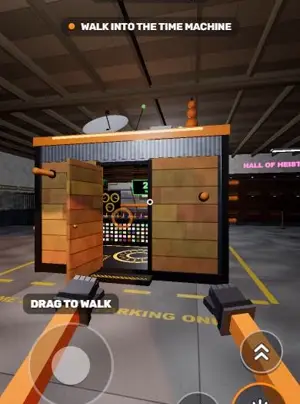
To feel what works in a group, play Mind the Pane (two players carry one pane of glass through traffic), BROADSIDE BLITZ (co-op or captain-versus-captain ship battles) or Time Machine Coop (a time-travel heist your crew can join). More picks are on multiplayer games with friends.
Play it on Roam

Create a multiplayer game with Roam
Describe the mode and put your friends in it. Roam runs the match, and you change it by talking.
Try: "2v2 in a mall, shrinking zone, last team standing, we are the characters"Roam ("Roam - Make Games" on the App Store) is an iPhone app where you play games and make your own by describing them or from a photo. It is free to download and play, and making games works without a subscription; optional Spark and Reality plans and credit packs add more creation. Android: pre-register on Google Play.
Questions people ask
Why is netcode harder than single-player code?
Every player sees the game a little late, so the game has to keep everyone in sync and hide lag. Platforms that run the servers for you, like Roblox or GDevelop, remove the hosting part.
Peer-to-peer or dedicated server?
Peer-to-peer or a player host is cheap and fine for co-op and 1v1. A dedicated server costs money but is fairer and harder to cheat, which big competitive games need.
Can ChatGPT build a multiplayer game?
It can write and explain networking code, but you still run it, host it and fix the bugs. In Roam you describe the game instead, and friends join it in the app.
Sources, checked November 5, 2026
- Netcode for GameObjects suits most multiplayer projects; Relay gives join codes, Lobby lets players find each other: docs.unity3d.com
- Photon free plan: 20 CCU, development only; 100 CCU plan for launch: photonengine.com
- Godot high-level multiplayer: ENet, WebRTC and WebSocket peers, @rpc, server is peer ID 1: docs.godotengine.org
- GDevelop multiplayer: lobbies up to 8 players, no servers to manage: wiki.gdevelop.io
- Roblox Studio is a free application available on Windows and Mac: create.roblox.com
- Islands made with Unreal Editor for Fortnite are published and played in Fortnite: dev.epicgames.com
- Mind the Pane is a co-op glass carrying game with a solo mode: roam.gg
- BROADSIDE BLITZ has solo, co-op and versus modes: roam.gg
- Time Machine Coop: your crew can join, play solo or with friends: roam.gg
Product names belong to their owners. Roam is not affiliated with them.
Keep exploring
- How to make a 2 player game
- How to make a game with your friends
- How to make a party game
- How to make a fighting game
- Make a FPS game
- Make a party game
- Multiplayer games online
More on Roam: All Roam games Games to play, by kind