
How to make a game on iPhone
The answer depends on what you mean. If you want to make a game and play it on your iPhone today, you can do it on the phone itself. If you want your own app in the App Store, you usually need a Mac, Xcode and an Apple Developer account.
Answer 1: make and play it on the iPhone
Roam is a free iPhone app built for this. No Mac, no code.
- Open Roam and describe the game. One sentence with a genre, a goal and how you lose. Or start from a photo of your friend, your dog or a meme.
- Play the first build. It comes back playable with world, art, characters, sound and rules.
- Change it by asking. "More enemies." "Shorter levels." "Make it two-player." Each change comes back as a new build to play.
- Play with friends. Friends can be in the game. Play solo if they are offline, together when they join.
Answer 2: build a real App Store game
Most native iOS apps are built in Xcode, and Xcode runs only on macOS. You can write the game in Swift with Apple's SpriteKit, or use an engine. Godot is free and open source, Unity Personal is free up to $200,000 in revenue and funding, and both export to iOS, but the final build still goes through Xcode on a Mac.
To publish, you join the Apple Developer Program for $99 a year, then submit through App Store Connect. Apple reviews every app before it goes live. The one exception is Apple's Swift Playgrounds: on an iPad it can build simple SwiftUI apps and upload them to the App Store. It does not run on iPhone.
- What you need. A Mac, Xcode (free), an iPhone for testing, an Apple Developer account, and an icon and screenshots for the store page.
- What takes the longest. Not the code. Testing on real devices, fixing touch controls and passing review all take longer than people expect.
Which one to pick
If the goal is to play your idea with friends this week, make it on the phone. If the goal is to learn game development or sell an app, start the Mac route, and use a quick phone version to check the idea is fun before you spend months on it.
Play it on Roam
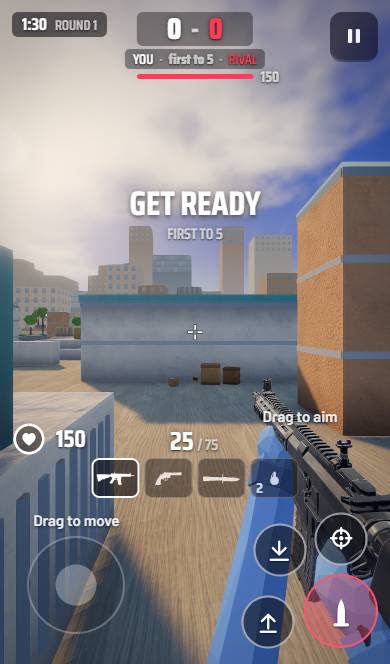
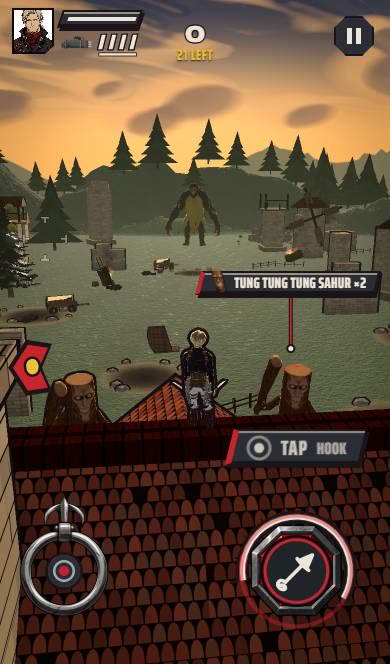
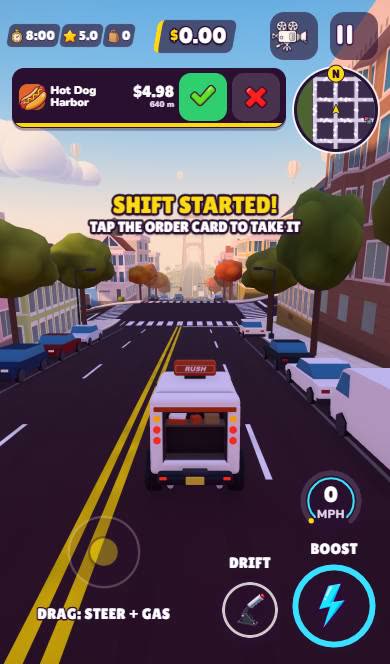
Create it with Roam
Your iPhone is enough. Describe the game, play it, and change it by talking. Roam is free.
Try: "food delivery in a rainy neon city, 60 seconds per order, my friends are the rival drivers"Questions people ask
Can you make an iPhone game without a Mac?
Mostly no. Xcode needs macOS, and the only other route is Swift Playgrounds on an iPad. On the iPhone itself you can make and play games inside an app like Roam.
How much does it cost to put a game on the App Store?
The Apple Developer Program costs $99 a year. Xcode itself is free.
Can I make an iPhone game for free?
Yes, inside a free app like Roam. A native App Store game needs the $99 yearly developer account to publish.
Keep exploring
- How to make a game on your phone
- How to make a mobile game
- How to make a game on iPad
- How to make a horror game that actually scares people
- How to make a game for free
- How to make a video game, from idea to playable
More on Roam: All Roam games Games to play, by kind