
How to make a game on your phone
Yes, you can make a game on your phone, start to finish. There are three real ways to do it: an editor app where you place everything yourself, the new prompt tab inside Roblox, or an app like Roam where you describe the game and play what comes back.
The real phone options, compared
The big desktop tools do not run on phones. Roblox Studio needs Windows or macOS, and Unity and Godot editors are built for computers. These are the options that actually work on the phone in your pocket.
- GDevelop (iPhone and Android). A free, open-source no-code engine with mobile apps. You build with event sheets instead of code. It is a real editor, so you place objects and write rules by hand, which takes patience on a small screen. Its AI helper runs on limited free credits.
- Roblox Build (Roblox app). Announced in July 2026, a tab in the Roblox mobile app that turns a prompt into a game on Roblox. The public alpha started in New Zealand, needs an age check (accounts 9+) and has a daily AI allowance.
- Roam (iPhone). A free app where the input is a sentence or a photo. The game comes back playable with world, art, characters, sound and rules. You change it by asking, and you play it in Roam, solo or with friends.
- Roblox Studio. Not a phone option. It is free, but it only runs on a Windows PC or a Mac, and game logic is written in Luau.
Your first phone-made game in Roam, step by step
- 1. Pick one small idea. One goal and one way to lose. "Reach the top of the tower before the lava" is better than a whole open world.
- 2. Write it as one sentence. Say the genre, the place, the goal and who is in it. Add how you lose, like 3 lives or a timer.
- 3. Play the first build. It comes back playable. Play it once all the way before changing anything, so you know what feels off.
- 4. Fix it by talking. Ask for one change at a time: "more enemies", "slower lava", "make it two-player". Play again after each one.
- 5. Send it. Play it with friends who have Roam, or play solo first and send it when they are on.
Tips for a phone game people finish
Phone players hold the device in one or two hands and play in short bursts. Keep a round under two minutes so one more try feels cheap.
Make the goal readable without text: a door, a flag, a timer. Put the first bit of action in the first few seconds. A friend should know what to do without asking you.
Play it on Roam
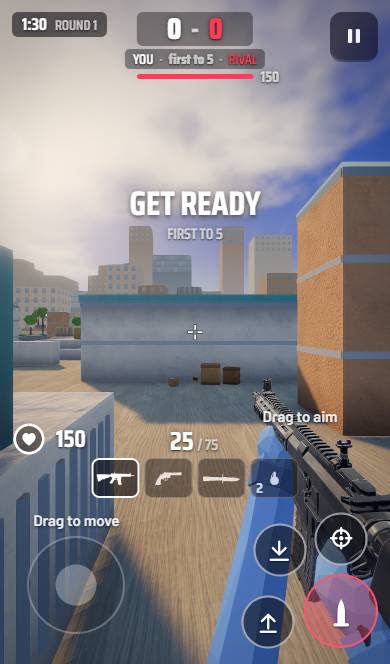
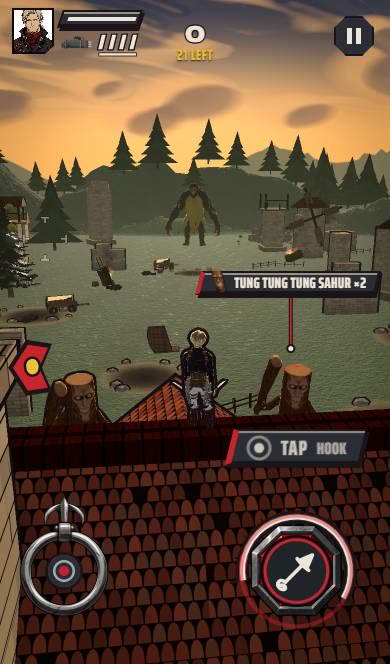
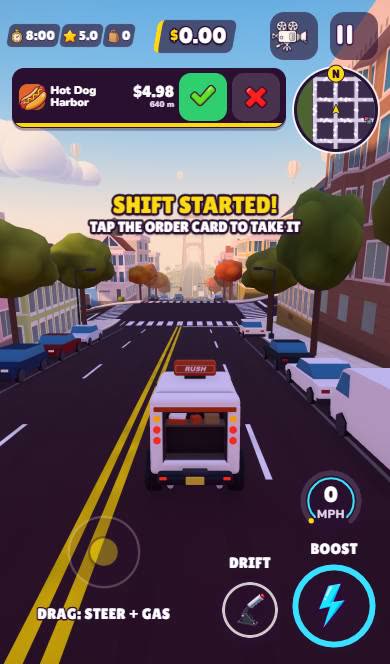
Create it with Roam
Type your idea on your iPhone and Roam makes it playable: world, art, sound and rules. Then change it by asking.
Try: "lava rising in a candy tower, climb to the top, 3 lives, friends can race me"Questions people ask
Can you make a game on your phone for free?
Yes. GDevelop's mobile app has a free tier, and Roam is a free iPhone app where you describe the game and play it.
Can I use Roblox Studio on my phone?
No. Roblox Studio runs only on Windows and macOS. Roblox Build is a newer prompt tab in the Roblox mobile app, still in limited alpha.
Is it possible to make a good game on mobile?
Yes, if you keep it small. One mechanic, one clear goal and short rounds work best for games made and played on a phone.
Keep exploring
- How to make a game on iPhone
- How to make a mobile game
- How to make a game on iPad
- How to make a horror game that actually scares people
- How to make a game for free
- How to make a video game, from idea to playable
More on Roam: All Roam games Games to play, by kind