
How to make a 3D game
A 3D game is the same as any game, plus models, a camera and light. Each of those is its own skill. The good news: every step has a free tool, and you can skip most modeling by starting small.
The 3D pipeline, step by step
- 1. Engine. Godot is free and open source (MIT license). Unity has a free Personal plan. Unreal Engine is free to start, with royalties only above a revenue threshold. All three handle 3D physics and rendering.
- 2. Models. Blender is the free standard for 3D modeling and animation. Beginners often start with simple shapes or free asset packs instead.
- 3. Camera. Pick one: first person, third person behind the player, or top-down. The camera decides how the game feels more than the art does.
- 4. Lighting. One sun, one sky and a few lamps are enough. Good light makes simple models look finished.
- 5. Gameplay. Movement, collisions, a goal. Test this with grey boxes before you model anything.
Free tools for each part
- Engine. Godot, Unity Personal, Unreal Engine, or Roblox Studio if you want your game on Roblox.
- Modeling. Blender for anything custom.
- Textures and sound. Free asset libraries cover the basics. Keep one art style across the whole game.
- No-code 3D. Roblox Studio lets you build worlds with Parts and only script the behavior.
Where beginners get stuck
Modeling eats the schedule. People spend a month on a character and never build the game. Use boxes until the game is fun.
Cameras cause motion sickness when they shake, roll or move too fast. Keep the camera calm and the field of view wide.
Big worlds are slow to build and slow to run. One small, detailed area beats a huge empty map.
The no-modeling route
Roam, a free iPhone app, builds the world, art and characters from a sentence, 3D included. You skip the modeling and lighting steps and start on gameplay: describe the game, play it, then ask for changes. It is a fast way to learn whether your 3D idea is fun before opening Blender.
Play it on Roam
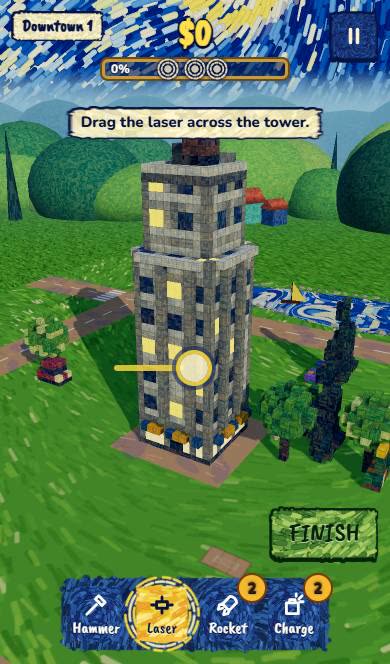
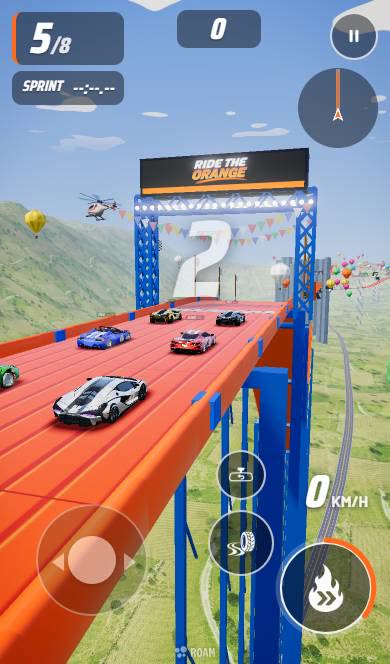
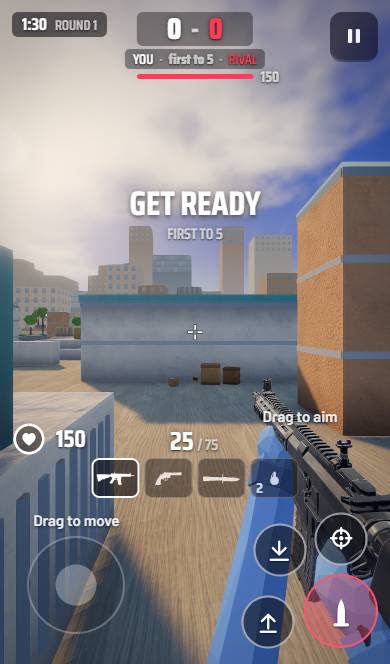
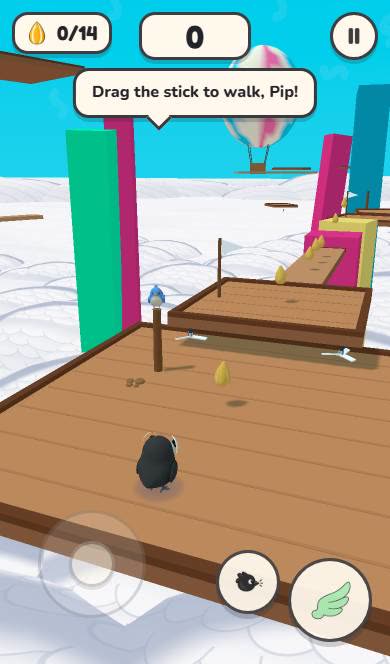
Create your 3D game with Roam
Describe the world and the goal. Roam builds it playable on your iPhone, and you shape it by asking.
Try: "3D stunt track through a giant kitchen, loops over the sink, 8 cars, my friends are the rivals"Questions people ask
What is the easiest way to make a 3D game?
Start in Roblox Studio or Godot with simple shapes, or describe the game to Roam on iPhone and skip modeling entirely.
Can I make a 3D game for free?
Yes. Godot, Blender and Roblox Studio are free, Unity has a free Personal plan, and Unreal is free to start.
Do I need to know 3D modeling to make a 3D game?
No. Use basic shapes or free assets, or a tool like Roam that builds the art for you.
Keep exploring
- How to make a 2D game
- How to make an FPS game
- How to make a racing game
- How to make a video game, from idea to playable
- How to make a game on your phone
- How to make a game on iPhone
More on Roam: All Roam games Games to play, by kind