How to make a clicker game, step by step
Every clicker tutorial builds the same loop: click to earn, spend on upgrades, then buy upgrades that click for you. Here are the steps in Scratch, Roblox Studio and Gimkit Creative, and how to describe a clicker to Roam instead.
Checked . Roam is our app, and the Roam team wrote this page. See also: Roblox Studio alternative for mobile, Scratch games to make.
How to make a clicker game on Scratch with upgrades
Scratch is free and made for young people, and it is where most beginner clicker tutorials start. New to it? Start with how to make a game in Scratch.
- 1. Make the variables. Create a project and add three variables: clicks, per click and cost. When the green flag is clicked, set clicks to 0, per click to 1 and cost to 10.
- 2. Make the button. Pick or draw a sprite, like a cookie. Add "when this sprite clicked" and "change clicks by per click". A quick grow and shrink makes each tap feel good.
- 3. Add an upgrade. Make a shop sprite. When it is clicked and clicks is not less than cost, take the cost away, add 1 to per click and set cost to round of cost x 1.15.
- 4. Add an auto clicker. A second shop sprite raises a per second variable. A forever loop waits 1 second and changes clicks by per second, so the game earns while you watch.
- 5. Test and share. Play it until the first upgrade feels close but not free, then tune the numbers and share the project.
How to make a clicker game on Roblox
Roblox Studio is free on Windows and Mac, and scripts are written in Luau. Put a TextButton in a ScreenGui, or a ClickDetector on a part in the world. Keep the count in a leaderstats folder on each player, so it shows on the leaderboard.
Let the server add the clicks: the button fires a RemoteEvent and a server script changes the value, so players cannot set their own score. Save progress with DataStores, and sell upgrades that raise clicks per tap or add an income every second.
How to make a clicker game in Gimkit Creative
Gimkit Creative builds games from devices joined by wires, with no code. A Game Overlay button wired to a Counter, with "button pressed" set to increment the counter, is the click. Set the scope to player so everyone has their own count. Community guides on the Gimkit Creative forum build upgrades with Checkers and Item Granters.
In Unity, the same loop is a UI Button whose On Click event calls a C# method that adds to the count. For the price math that keeps it fun, read the clicker game maker guide.
Or describe it to Roam
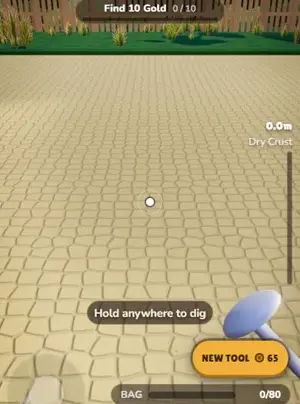
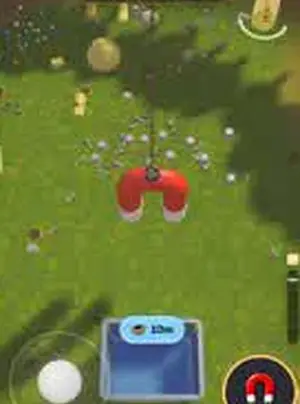
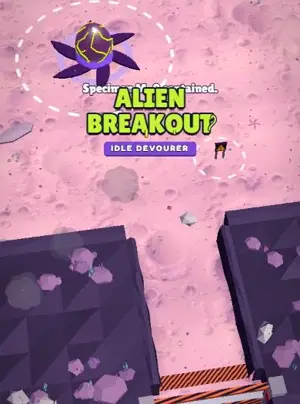
Roam is an app where you describe a game in a sentence and it comes back playable, with art, sound and rules. Say what you tap, what you buy and what it grows into. Then tune it by talking: "upgrades cost less early", "add prestige at a million". Roam is rated 13+ on the App Store.
Play it on Roam
Make your clicker with Roam
Describe the thing you tap and what it grows into. Play it, then ask for more upgrades.
Try: "clicker where every tap feeds a tiny dragon, it grows and burns down bigger castles, prestige at a million"Roam ("Roam - Make Games" on the App Store) is an iPhone app where you play games and make your own by describing them or from a photo. It is free to download and play, and making games works without a subscription; optional Spark and Reality plans and credit packs add more creation. Android: pre-register on Google Play.
Questions people ask
How do you add an auto clicker to a clicker game?
Sell an upgrade that raises a per second number. A loop that runs once a second adds that number to the player's count.
Is Scratch good for a first clicker game?
Yes. Scratch is free and made for young people, and a clicker is one of the first projects many kids finish there. Roam is rated 13+ on the App Store, so it is not for under-13s.
How do you save progress in a Roblox clicker game?
Use DataStores. Load the player's saved count when they join and save it when they leave.
Why should each upgrade cost more?
Rising prices keep the next goal just out of reach. Cookie Clicker raises a building's price by 15% each time you buy one.
Sources, checked November 5, 2026
- Scratch is free for everyone and made for kids and young people: scratchfoundation.org
- Scratch clicker steps: a clicks variable, a sprite that changes it when clicked, upgrades: codewizardshq.com
- Each Cookie Clicker building costs 15% more than the last one of the same type: en.wikipedia.org
- A leaderstats folder on each player drives the Roblox leaderboard: create.roblox.com
- Roblox RemoteEvents let the client ask the server to change game state: create.roblox.com
- Roblox data stores save data that persists between sessions: create.roblox.com
- Roblox Studio is a free app for Windows and Mac: create.roblox.com
- Gimkit Creative lets you build your own games with no coding: blog.gimkit.com
- Gimkit clicker guide: player-scoped counter incremented when a button is pressed: forum.creative.gimkit.com
- Unity UI Button has an On Click event that calls a method: docs.unity3d.com
- Gold Digger on Roam: roam.gg
Product names belong to their owners. Roam is not affiliated with them.
Keep exploring
- Make a clicker game
- How to make a game in Scratch
- How to make a racing game
- How to make a FPS game
- How to make a fighting game
- How to make a card game
More on Roam: All Roam games Games to play, by kind