
How to make a digital card game
A card game is three things: cards with a cost and an effect, rules for building a deck, and many rounds of balance testing. Start with 20 cards, not 200, and play them against yourself first.
Design one card
- Cost. Energy, mana or elixir. Cost is how you balance everything else, so every effect needs a price.
- Effect. One verb per card: deal 6, block 5, draw 2. Short text reads well on a phone.
- Rarity. Common cards build the deck, rare cards change how it plays. Rare should mean different, not just stronger.
- Keywords. Name repeated effects (poison, shield, haste) so players learn them once.
Pick your deck rules
- Roguelike deckbuilder. Start with a weak deck and add a card after each fight. Slay the Spire (Mega Crit, full release 2019) is the best-known example.
- Collect and build. Players own a collection and build fixed decks before a match. Hearthstone uses 30-card decks.
- Cards plus real time. Clash Royale (Supercell, 2016) uses an 8-card deck and elixir that refills over time while troops fight for towers.
- Cards as hands. Balatro (LocalThunk, 2024) scores poker hands and lets jokers bend the rules.
Test balance before you code
Write your first cards on index cards and play ten games against yourself. Any card you always pick is too strong. Any card you never pick is too weak or unclear. Then put every card in a spreadsheet with cost and value per cost, and fix the outliers.
For the app, Godot and Unity both handle card layouts and drag and drop. Tabletop Simulator is a common way to test a design with friends online before you build anything.
The fast route on iPhone
If you want to feel the game before you build it, describe it to Roam, a free iPhone app. It comes back playable, with card art and rules, and you change it by talking: "make shields cost 2", "add a boss with 3 phases".
Play it on Roam
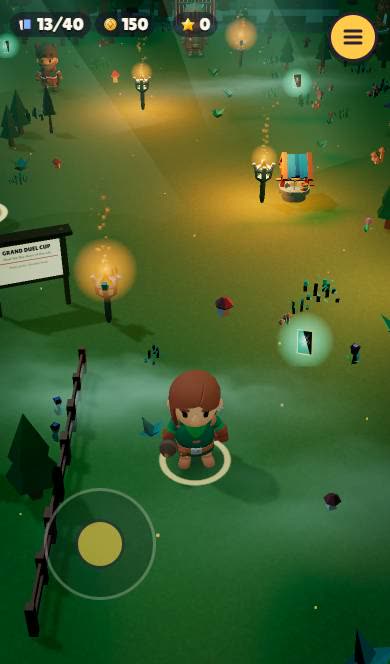 CARDBOUNDForty glowing cards, one night village, one duel cup ahead.
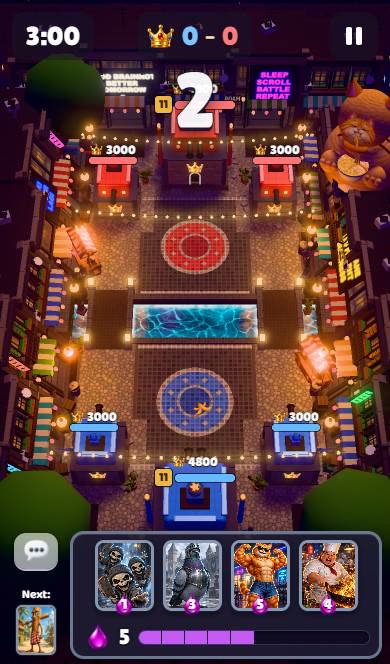 BRAINROT ARENAFour meme cards, three minutes, two towers to break.
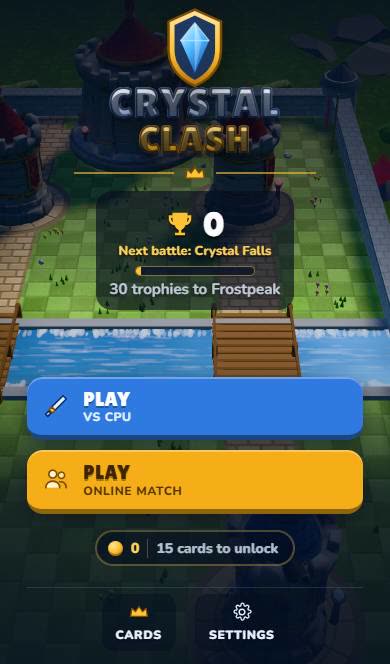 Crystal ClashPick a card. Cross the bridge. Take the tower.
 Crypt DeckThree floors down. One card at a time.
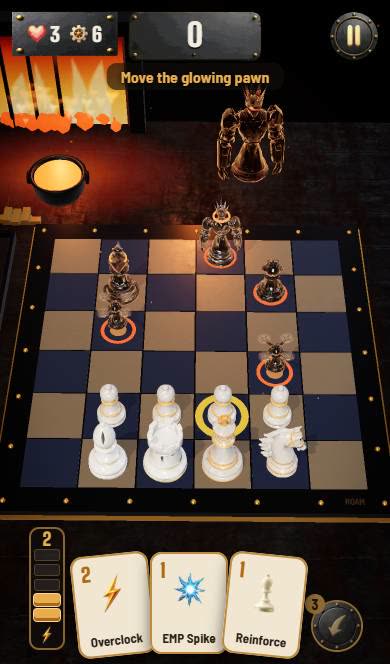 Mate the MachineIvory pieces, a hand of cards, one chrome King to take.
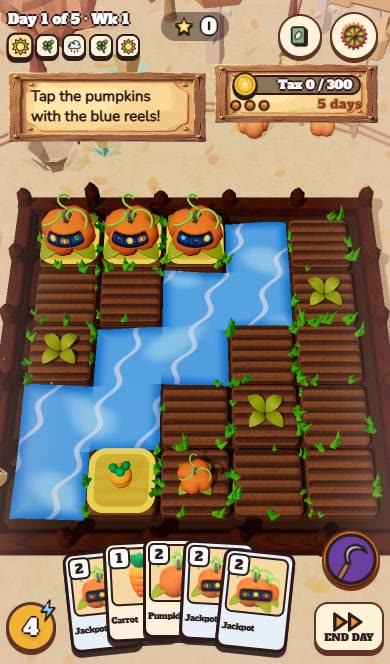 Pumpkins Pay OutThe tax is due in 5 days. The pumpkins have reels.
Create your card game with Roam
Describe the cards, the energy and the enemy. Play the first duel on your iPhone and rebalance it in the same chat.
Try: "card battler in a haunted library, 3 energy per turn, attack and shield cards, add a new card after each fight, boss on floor 3"Questions people ask
How do I make a card game app?
Prototype on paper, then build it in an engine like Godot or Unity and publish to the app stores. Or describe it to Roam on iPhone and play it there with friends.
Can I make a card game online for free?
Yes. Godot is free, Scratch works for simple card games, and Roam is a free iPhone app where you describe a card game and play it.
How many cards does a card game need?
A first version works with 20 to 40. Add cards only after testing shows which roles are missing.
Keep exploring
- How to make a game on your phone
- How to make a game on iPhone
- How to make a horror game that actually scares people
- How to make a game for free
- How to make a mobile game
- How to make a video game, from idea to playable
More on Roam: All Roam games Games to play, by kind